
Convert PDF to Excel Spreadsheets
Transform any PDF document into editable Excel files in seconds. Whether you're working with bank statements, invoices, or financial reports, our converter handles complex tables and formatting with ease.
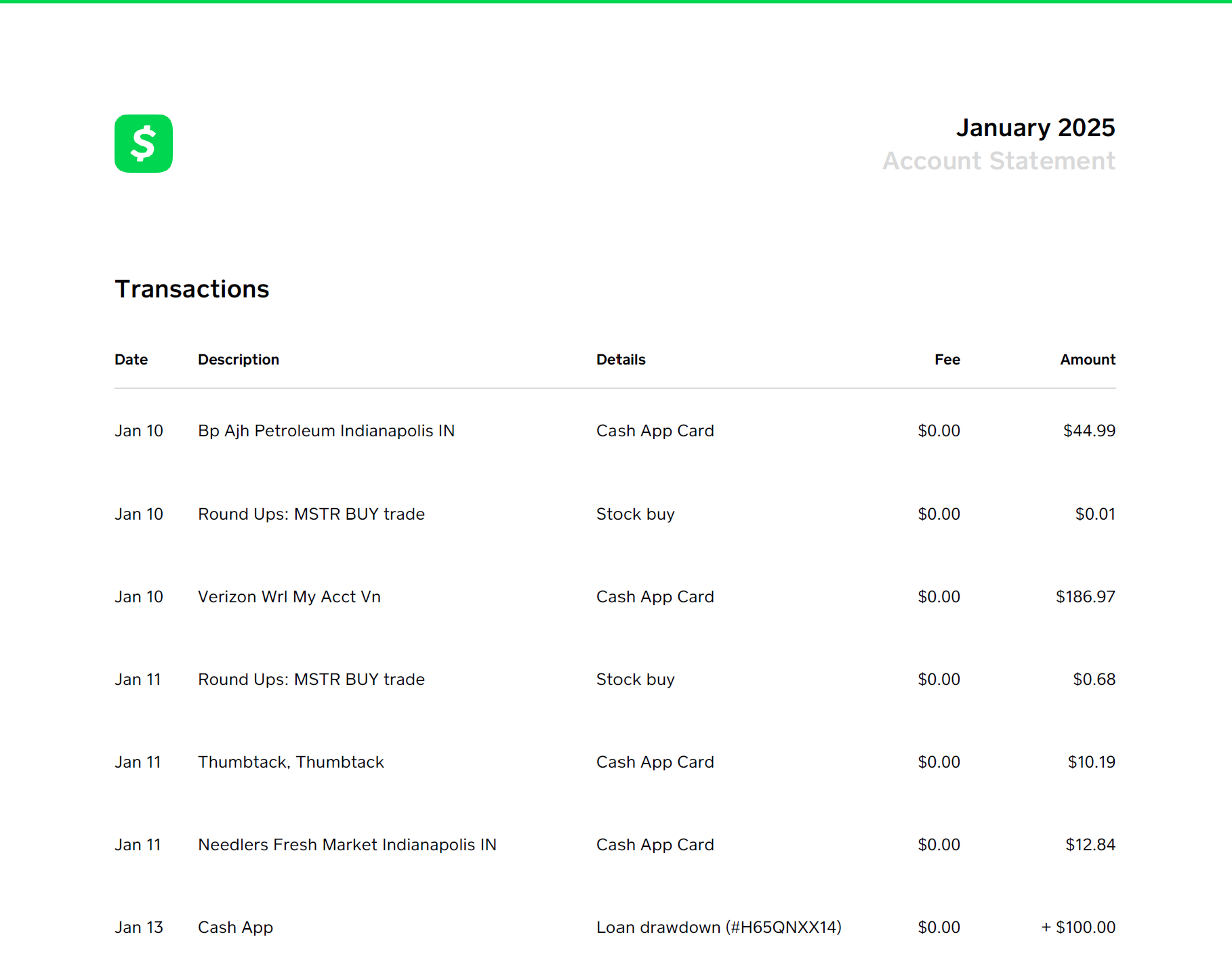
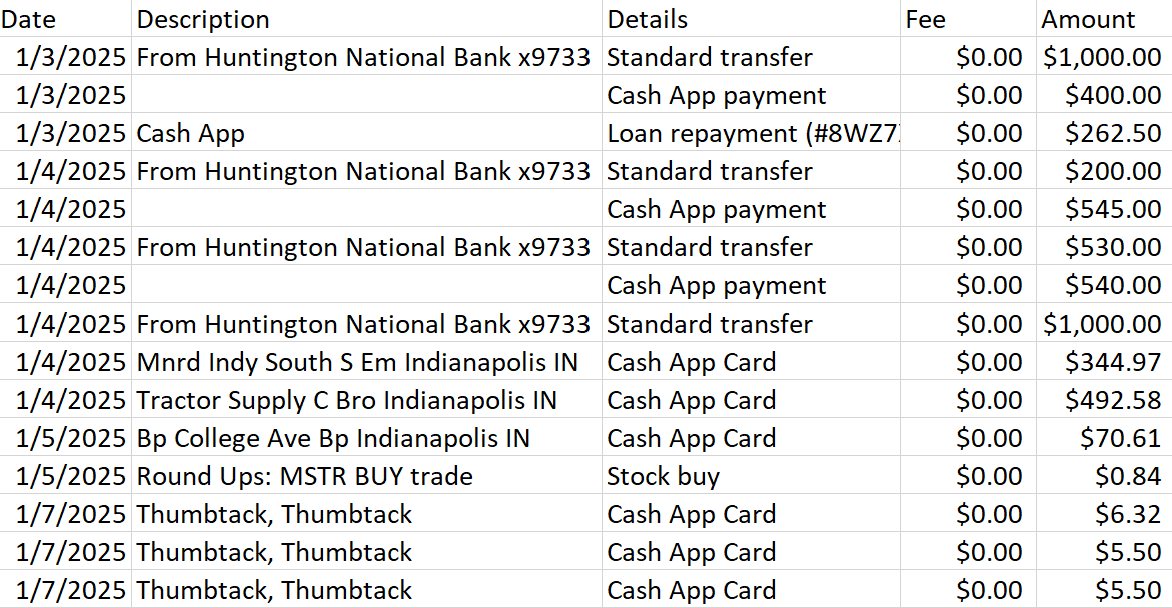
See It in Action
How It Works
Upload Your PDF
Drop your PDF file or click to browse. Works with any PDF containing tables or structured data.
We Extract the Data
Our parser analyzes your document and extracts tables, numbers, and text with high accuracy.
Download Excel File
Get a clean, editable Excel spreadsheet ready for analysis, reporting, or import into other software.
Perfect For
📊 Bank Statements
Convert PDF bank statements to Excel for bookkeeping, tax preparation, or QuickBooks import. Maintains transaction details, dates, and amounts.
🧾 Invoices & Receipts
Extract invoice data into spreadsheets for expense tracking, vendor management, or accounting records.
📈 Financial Reports
Turn PDF financial reports into Excel for further analysis, charting, or data manipulation.
📋 Data Tables
Extract any tabular data from PDFs - pricing lists, inventory reports, survey results, and more.
Related Guides
Ready to Get Started?
Join thousands of users who trust our converter for their PDF to Excel needs.
Convert Your First PDF Free
Written by
Jeff GoughFounder of Statements to Sheets and Cascade Foundry LLC. Built this tool after converting 300+ pages of printed bank statements into CSV for a friend's QuickBooks catch-up. Read the full story →