
Convert Financial Statements to Excel and CSV
Upload bank statements, invoices, accounting documents, and other PDFs, get clean spreadsheets ready for Excel, Google Sheets, and QuickBooks.
Extract data reliably and securely.
Built for accuracy, security, and scale.
Handles Complex Formats
Multi-stage parsing handles a wide array of bank formats, tabular data, multi-line transactions, and edge cases.
Have a messy statement we can't convert? We're always adding new formats. Email us
Large File Support
Handles documents up to 32MB. Upload statements hundreds of pages long without timeouts.
Bank-Level Security
TLS 1.3 encryption in transit, AES-256 at rest. Files deleted after 24 hours. No permanent storage of your financial data.
AI Validation
After algorithmic parsing, AI performs another pass over the document to catch errors and ensure accuracy.
Works with Scanned PDFs
Automatic OCR for scanned documents with advanced character recognition for poor scans and dirty documents.
Universal Compatibility
CSV format works with Excel, Google Sheets, QuickBooks Online, QuickBooks Desktop, Xero, and all major accounting software. Email delivery included.
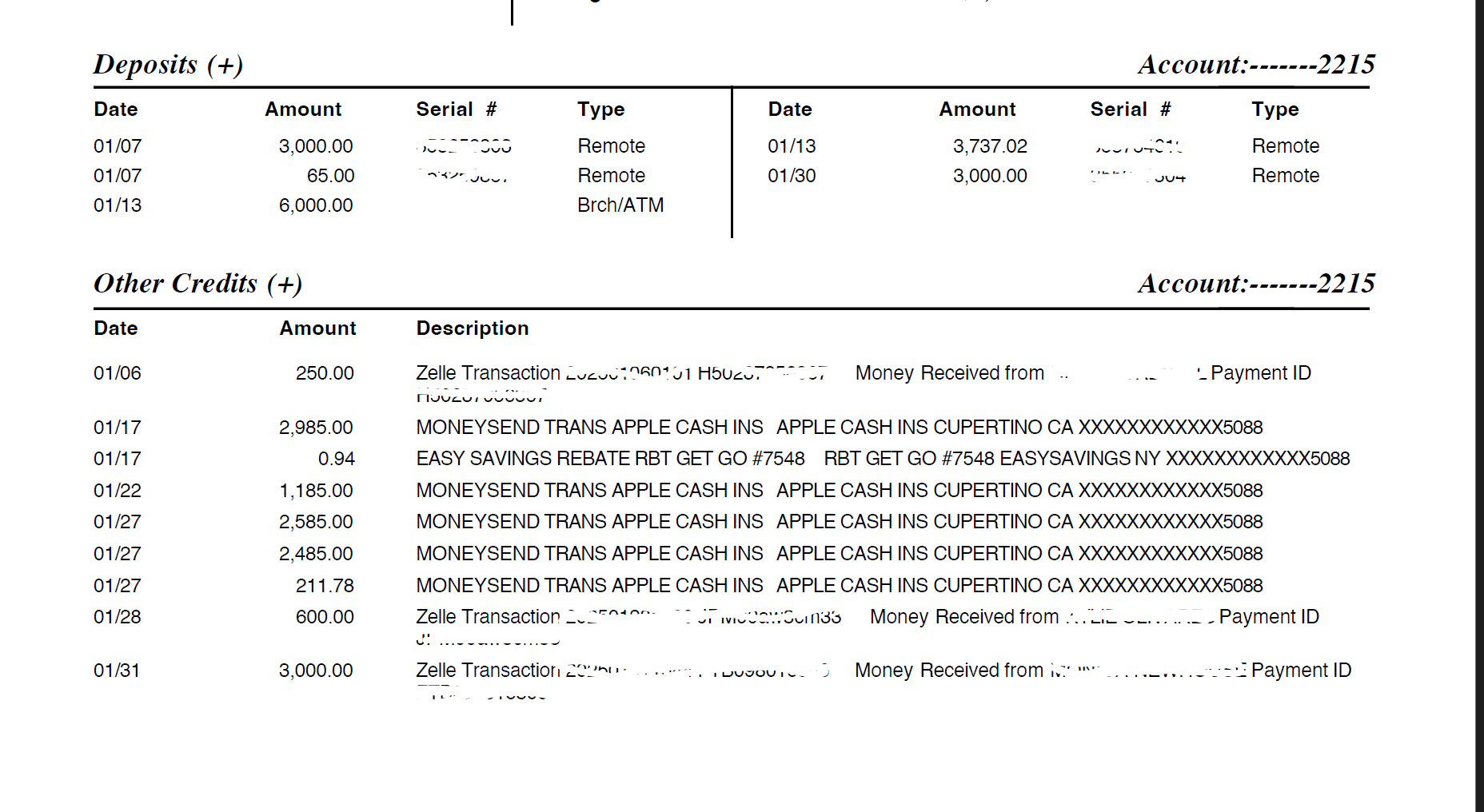
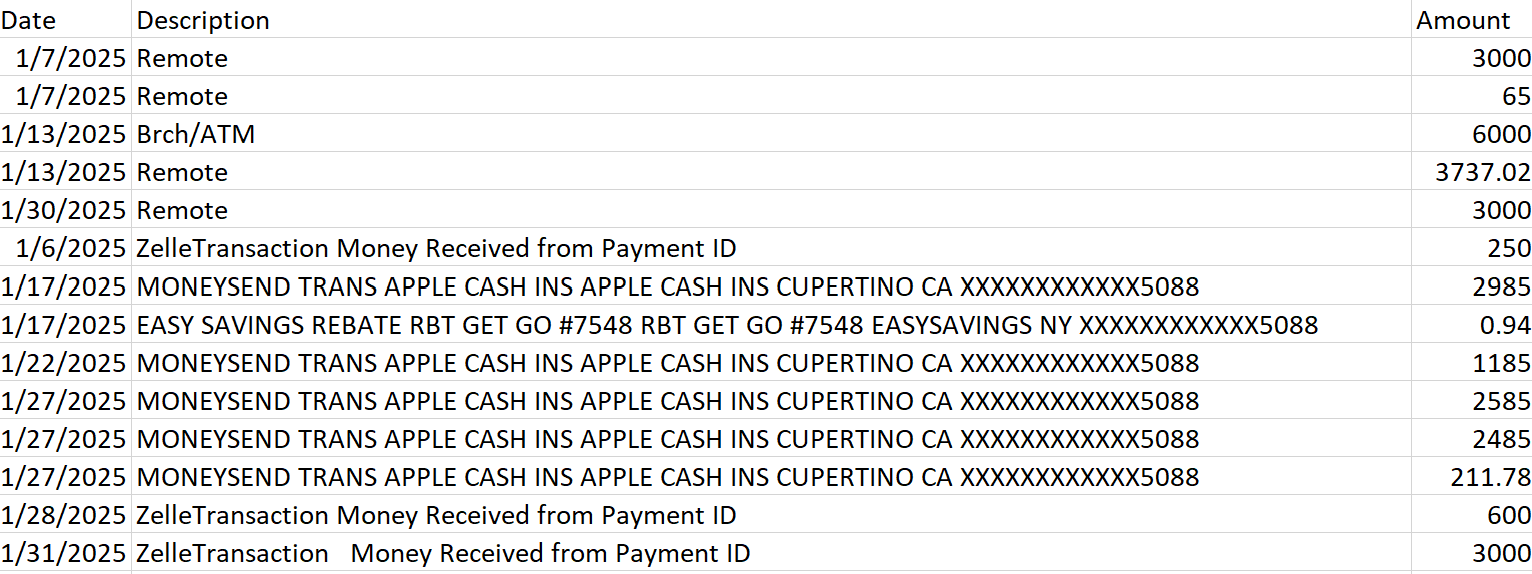
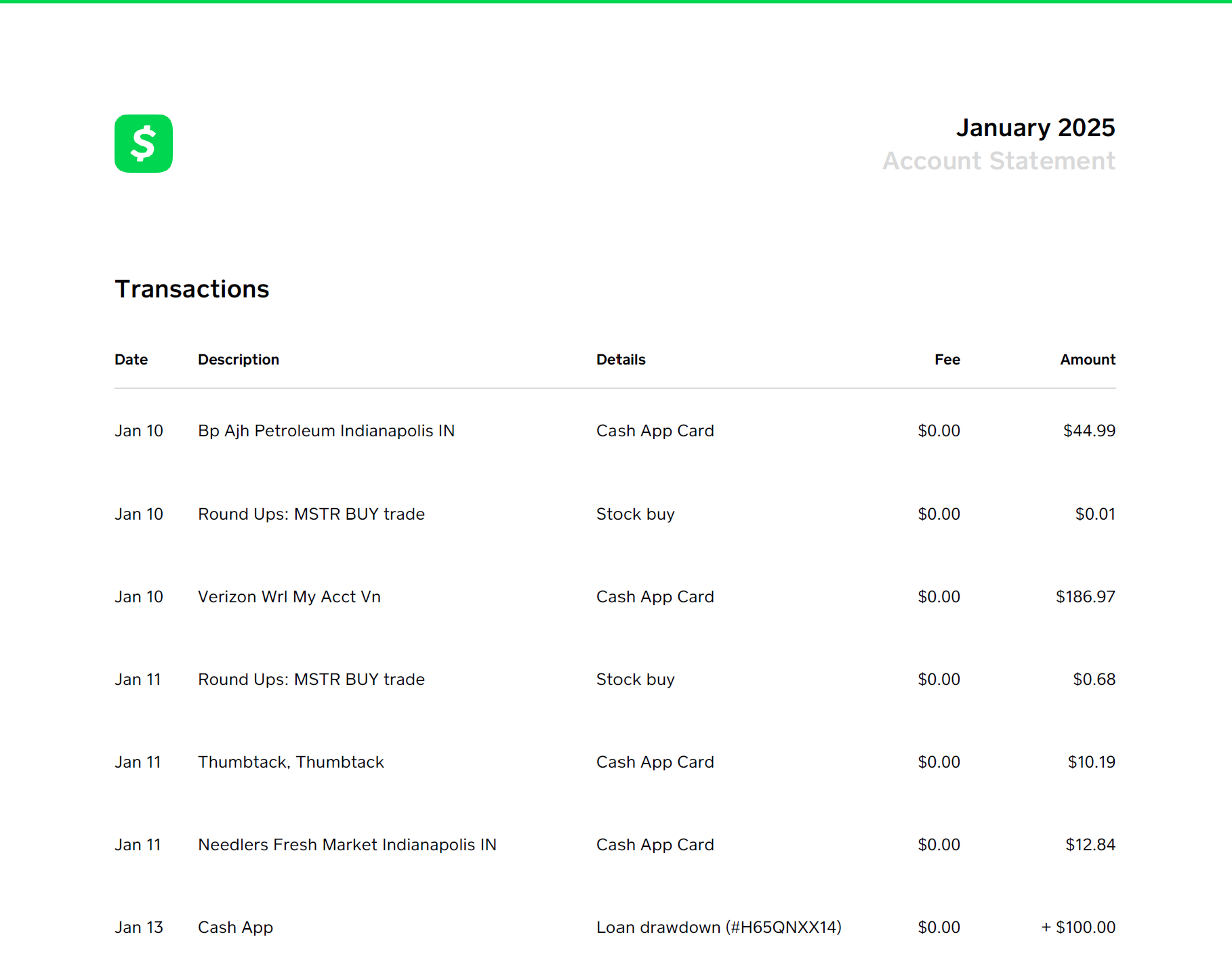
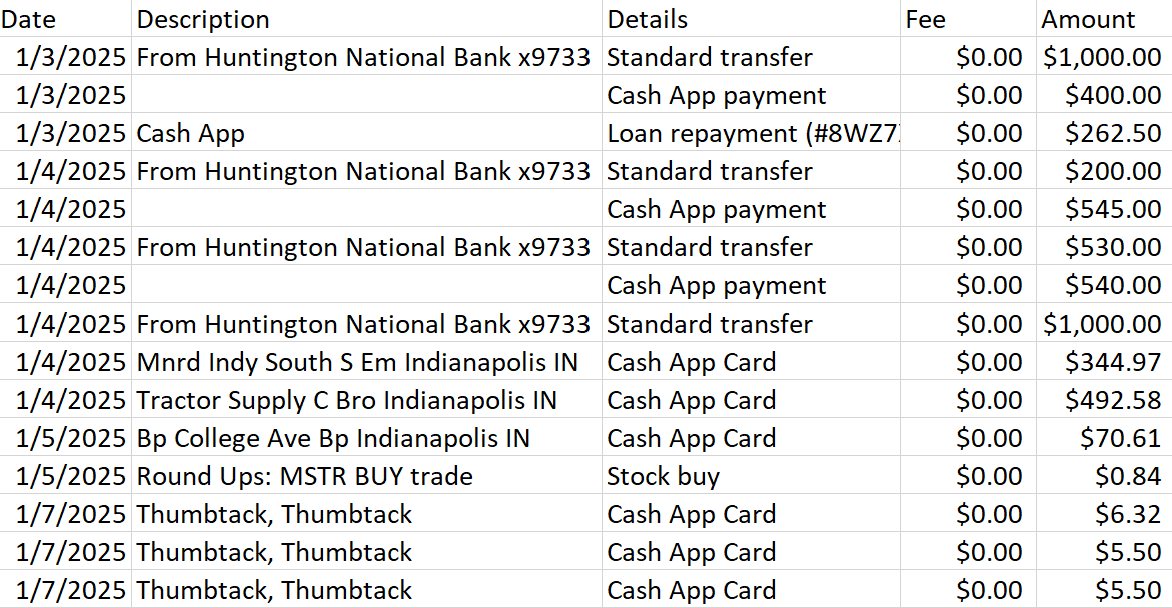
Convert bank statements, financial documents, and more.
Convert various types of PDFs to spreadsheets, fast.
Simple, Transparent Pricing
Choose the plan that fits your needs. Cancel anytime.
Free Trial
Try it out with no credit card required.
- 50 statement transactions
- Single file upload
- No credit card required
Need More?
View our paid plans
- Advanced parsing & validation
- Browser download & email delivery
- Cancel anytime
Personal, Small Business, and Accountant plans available
What Our Users Say
Trusted by accountants, business owners, and finance professionals
"This tool saved me hours of manual data entry! I was able to convert 6 months of statements in under 10 minutes. The accuracy is incredible."
Sarah Mitchell
Small Business Owner, Wichita, KS
Leave a Review
support@statementstosheets.comBuilt on Google Cloud
Built with Enterprise-grade security and reliability






Frequently Asked Questions
Everything you need to know about Statements to Sheets.
Can I switch between plans?
Yes — you can upgrade or change plans at any time. Any plan upgrade is prorated, so you only pay the difference for the remainder of your billing cycle.
Is my data stored?
Uploads are processed in memory on Google's servers and purged after conversion; no resale of data. Login data is handled securely by Google Firebase authentication. Payments are handled securely by Stripe.
Can I try it first?
Yes — the first 50 transactions are free before purchase. No credit card required.
How secure is the service?
We implement 13 layers of security including authentication, rate limiting, file validation, encrypted transport, and more. View detailed security documentation →
Which formats are supported?
Statements to Sheets converts bank statements, credit card statements, invoices, receipts, expense reports, profit & loss statements, balance sheets, tax forms, purchase orders, payroll records, and virtually any other financial or accounting document in PDF format.
Which banks are supported?
All major banks and financial institutions are supported, including Chase, Bank of America, Wells Fargo, Capital One, Citibank, credit unions, and international banks. If your statement has tabular transaction data, we can convert it.
How do I cancel?
You can easily manage your billing in the dropdown menu under your profile icon. Cancel anytime with no penalties or hidden fees.