Statements to Sheets logoStatements to Sheets
Built on
Google Cloud

Convert Financial PDFs to Excel

Financial documents come in all shapes โ€” bank statements, brokerage reports, P&L statements, balance sheets, tax documents, invoices, and receipts. Our financial PDF to Excel converter is built specifically for this category of documents. It understands financial data structures, handles complex multi-column layouts, and extracts numbers accurately โ€” including preserving negative values, decimal precision, and proper debit/credit signs.

Generic PDF-to-Excel tools often fail with financial documents because they don't understand context. They might merge a debit column with a credit column, misread a negative sign, or drop rows with continuation data on the next page. Our converter is trained on financial documents and handles these cases correctly.

Financial Document Types We Support

๐Ÿฆ

Bank Statements

Checking, savings, and money market accounts from any bank

๐Ÿ’ณ

Credit Card Statements

All major credit cards including rewards and business cards

๐Ÿ“ˆ

Investment Statements

Brokerage accounts, 401(k), IRA, and portfolio reports

๐Ÿงพ

Invoices & Bills

Vendor invoices, utility bills, and subscription charges

๐Ÿ“Š

P&L Statements

Income statements and profit & loss reports from any accounting system

๐Ÿ 

Mortgage Statements

Monthly mortgage statements with payment breakdowns

๐Ÿ’ผ

Payroll Reports

Payroll summaries, pay stubs, and payroll tax reports

๐ŸŒ

International Documents

Foreign bank statements and multi-currency financial documents

๐Ÿ“ฑ

Payment Apps

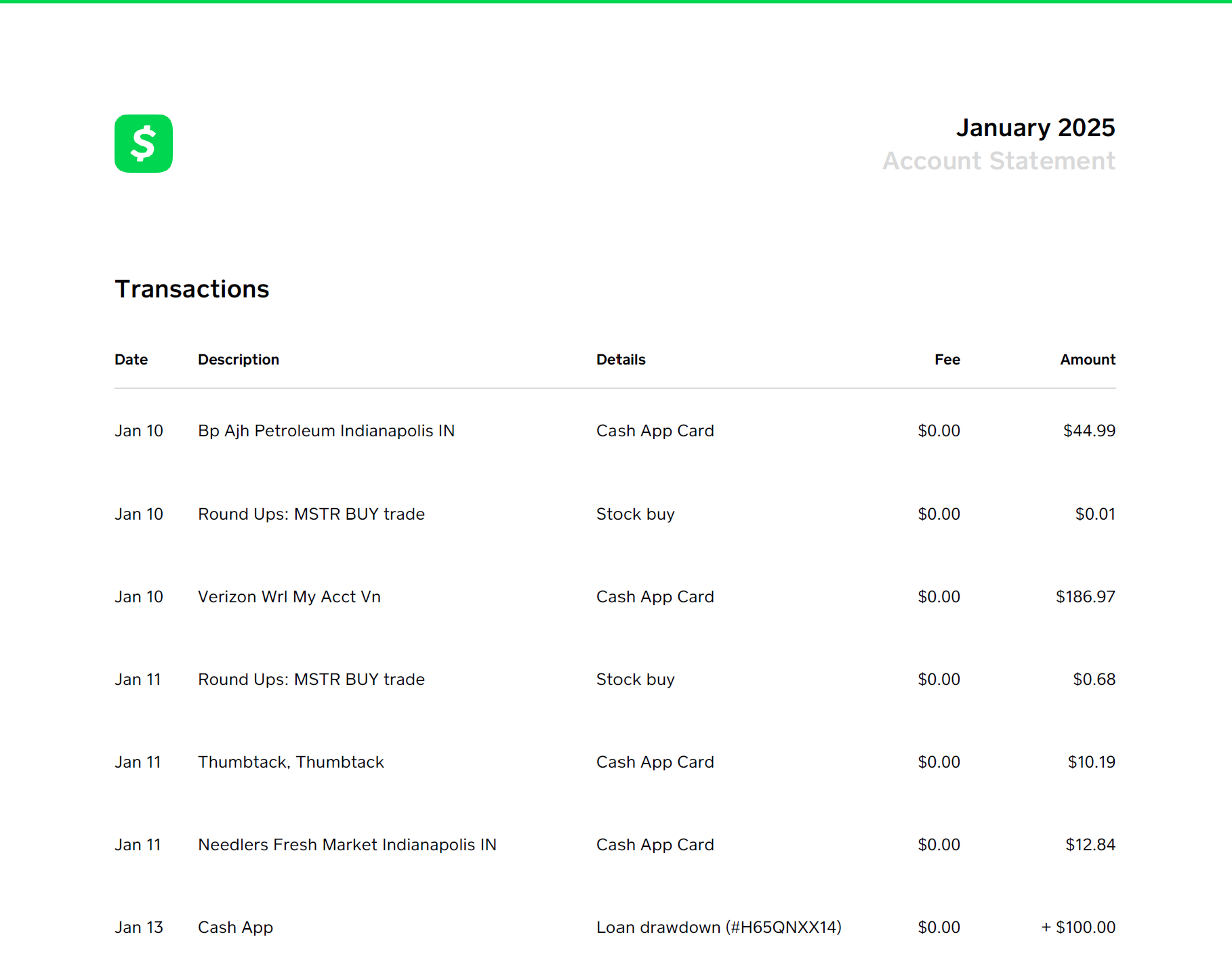
Cash App, Venmo, PayPal, Zelle, and Stripe statements

AI-Powered Accuracy for Complex Documents

For financial documents that are particularly complex โ€” scanned statements with poor contrast, multi-column layouts, or unusual formatting โ€” our AI validation layer reviews the extracted data and corrects errors. It cross-references extracted values against the source document to catch OCR mistakes, misread numbers, and missing transactions.

This means you get higher accuracy on difficult documents than a standard PDF parser can achieve alone. The AI layer is optional and available on all paid plans.

Importing Financial Data into Excel

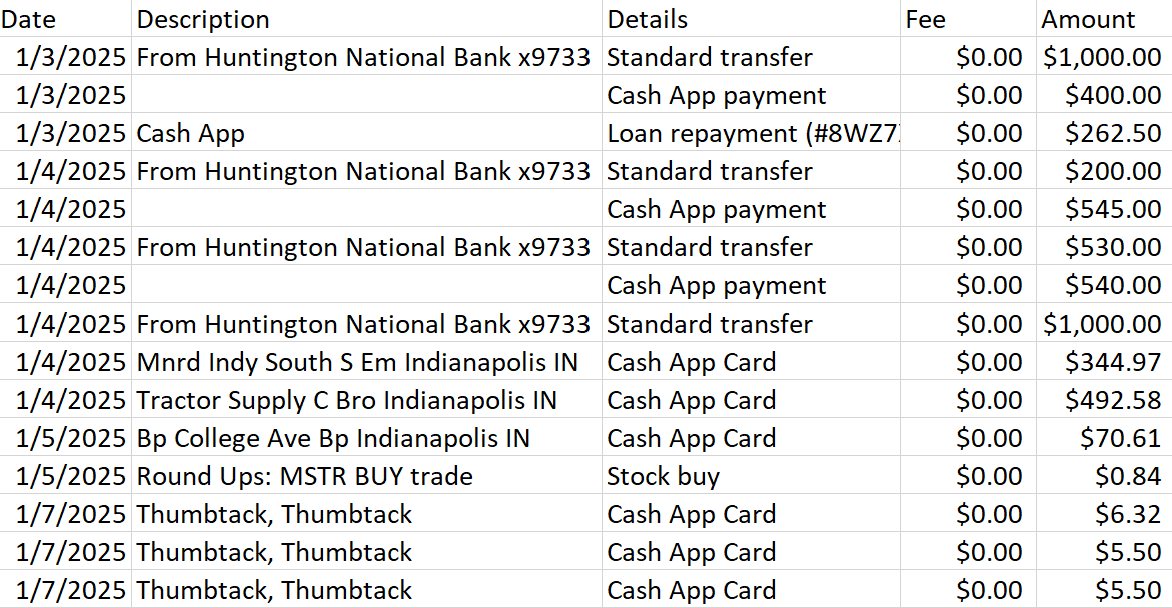
The output is a CSV file that opens directly in Excel. For best results, use Data โ†’ From Text/CSV โ†’ select the file โ†’ load it as a table. This preserves column types โ€” especially important so that dollar amounts are treated as numbers (not text) and dates are formatted correctly for sorting and formulas.

Preparing Data for QuickBooks or Xero

Both QuickBooks and Xero accept CSV imports for bank transactions. After converting your financial PDF, you may need to rename the column headers to match the import template (Date, Description, Amount is the standard format both accept). Our output already follows this structure, making the import process straightforward.

Security for Sensitive Financial Documents

Financial PDFs often contain account numbers, Social Security numbers, and other sensitive data. We process your documents securely over encrypted connections and do not store files after processing. Our infrastructure runs on Google Cloud with enterprise-grade security. See our Security page for full details.

Convert Any Financial PDF to Excel

50 free transactions to start. No credit card required.

Convert Financial PDF Free