
PDF to CSV Converter
Extract tables and data from PDF documents into clean CSV files. CSV format works everywhere - Excel, Google Sheets, databases, and accounting software. No formatting headaches, just pure data.
See It in Action
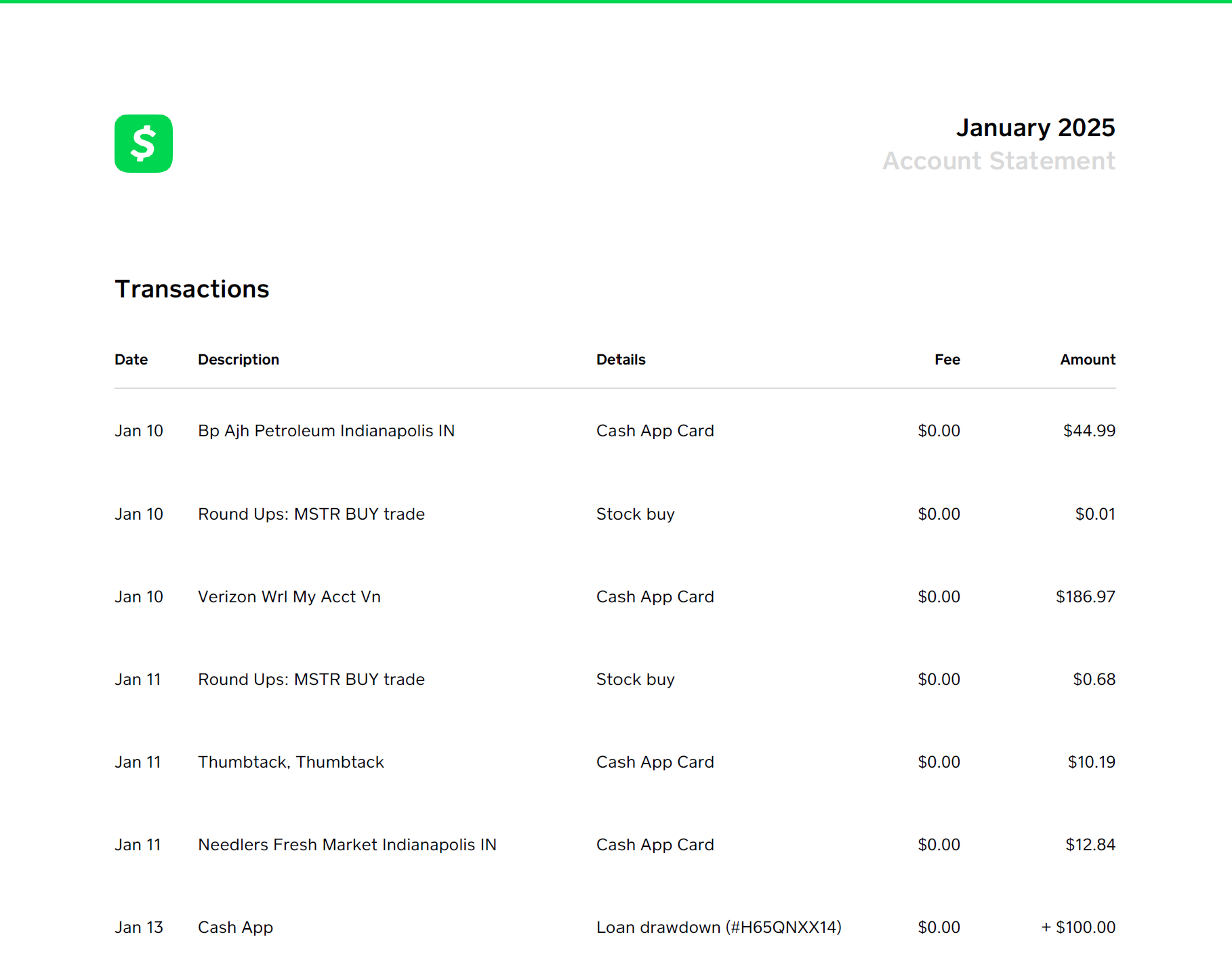
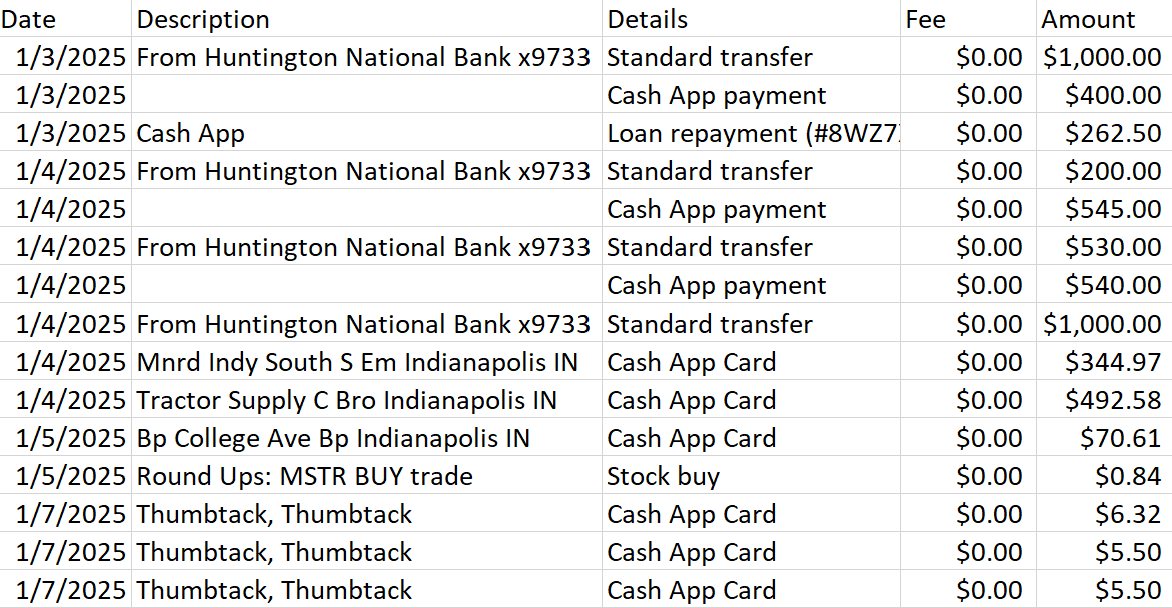
Why Convert to CSV?
CSV (Comma-Separated Values) is the universal language of data. Unlike Excel files with complex formatting, CSV strips everything down to pure rows and columns - making it perfect for importing into accounting software, databases, or any spreadsheet application.
When you're working with bank statements, transaction logs, or financial data, CSV ensures compatibility across all platforms without worrying about file format issues.
What You Can Do
Import Anywhere
CSV works with QuickBooks, Xero, Excel, Google Sheets, and virtually every accounting or database tool.
Lightweight Files
CSV files are tiny compared to Excel, making them faster to upload, download, and process.
Clean Data
No hidden formatting or formulas - just pure, structured data ready for analysis.
Common Uses
Bank Statement Processing
Convert PDF bank statements to CSV for easy import into accounting software or spreadsheet analysis.
Data Migration
Move data from PDF reports into databases or business intelligence tools.
Bulk Processing
Extract transaction data from multiple statements for year-end reporting or tax preparation.
Related Guides
Start Converting Today
Free trial includes 50 rows. No credit card required.
Try It Now
Written by
Jeff GoughFounder of Statements to Sheets and Cascade Foundry LLC. Built this tool after converting 300+ pages of printed bank statements into CSV for a friend's QuickBooks catch-up. Read the full story →